Build forms & surveys at the speed of thought
Build, embed, and share all types of forms, surveys, and polls with your users. Collaborate with your team to fly through form responses.
Companies using FeatureOS forms
Trusted by high-velocity product teams who listen to their customers from all channels.
Online Forms & Surveys Builder
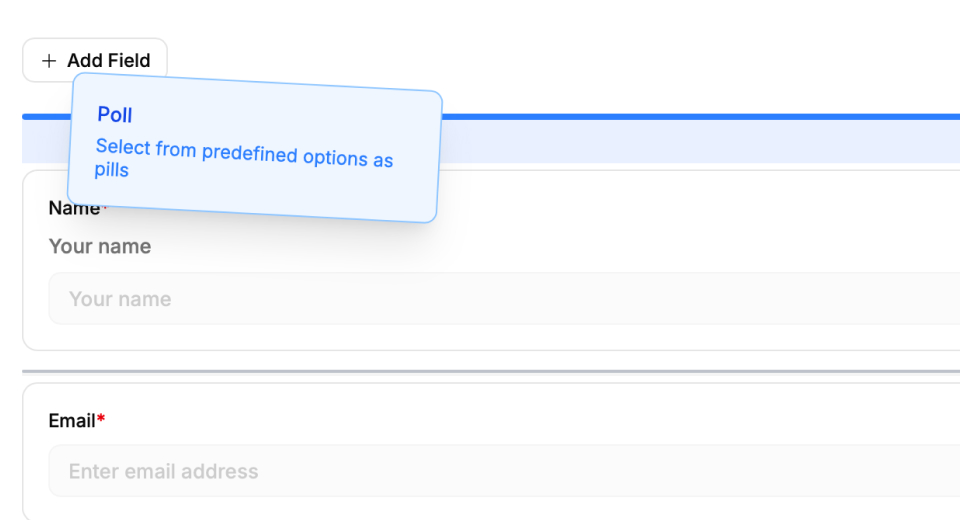
Drag, drop, and publish. It's that simple.
You can build forms or surveys (simple or complex) in minutes. No coding knowledge required. No complicated setup. Just drag and drop any form element you can imagine. It is unbelievable how easy it is to build forms and surveys.
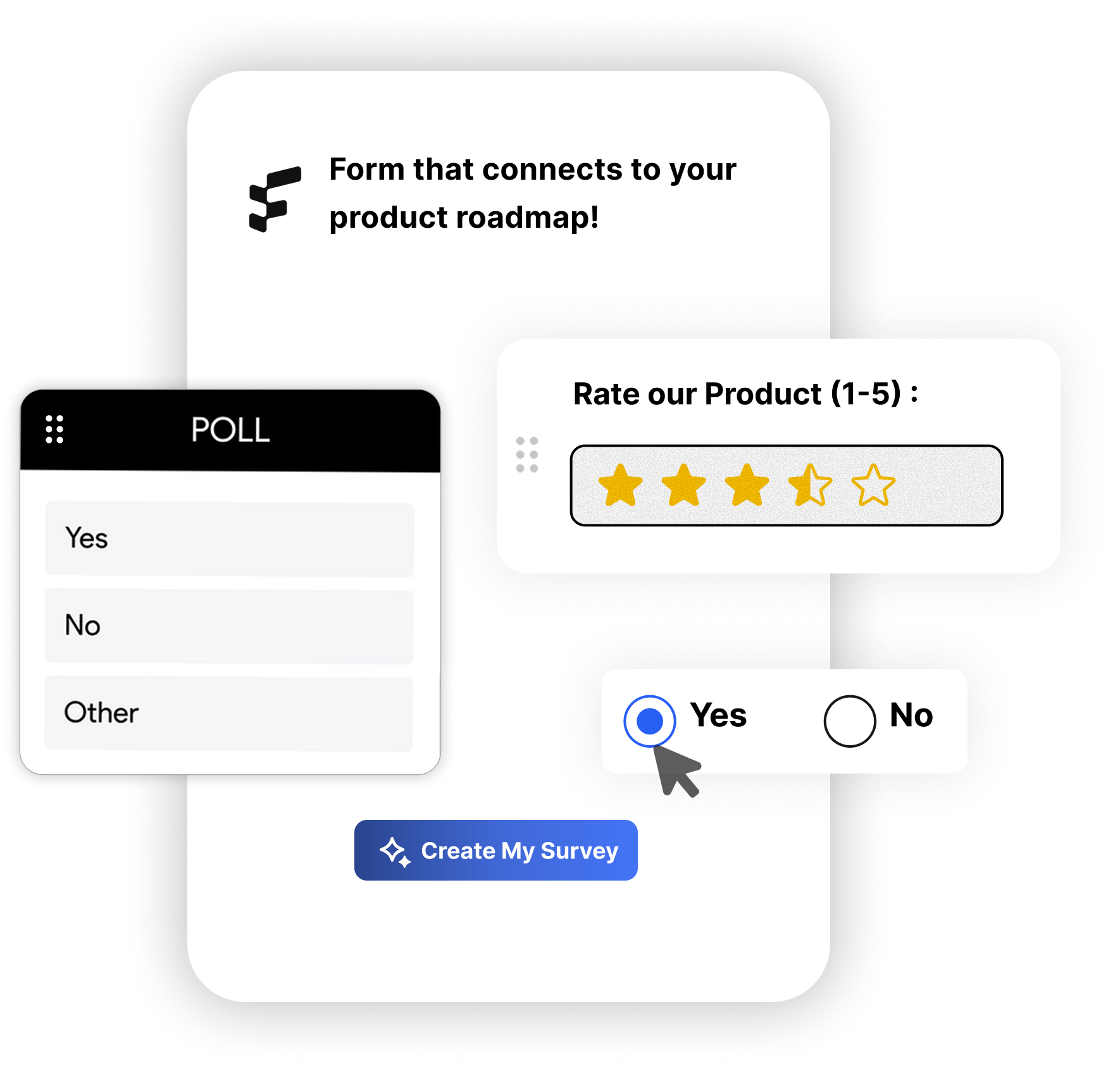
Every type of element you want
Dropdown, Radio Buttons, Checkboxes, Text Inputs, Date Pickers, File Uploads, and more. Every element you can imagine to build an interactive form is available to you.
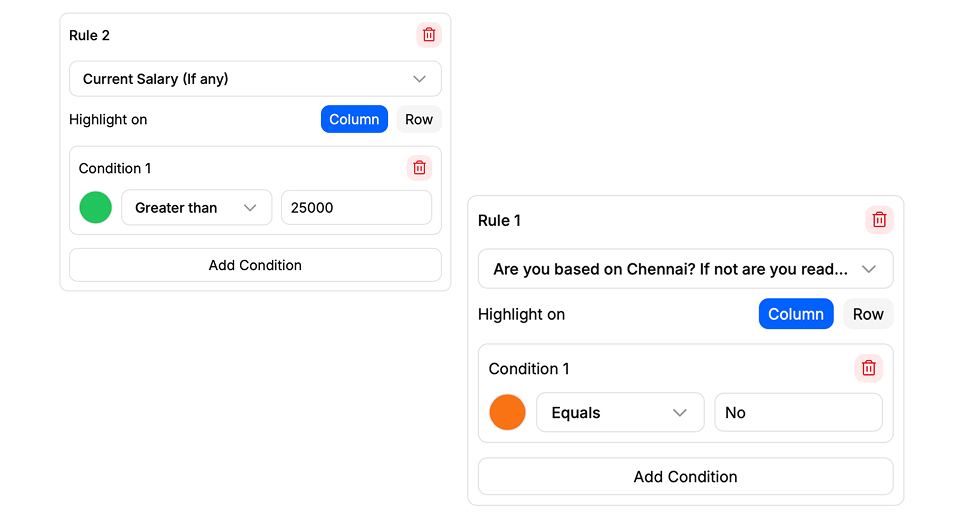
Conditional Formatting for Responses
Set any color based on the responses you receive for your forms. Helps you save time sorting through responses in no-time. Just like how it works in Microsoft Excel or Google Sheets.
Embed anywhere
Websites, mobile apps, or POS systems, take your forms anywhere you want to. Super easy to share.
Convert responses to feedback
Turn form responses into feedback posts or bug reports with just a click or via automated rules.
Action-first insights
Get insights from your form responses with AI-aided analytics. You instantly know what to do next.
Custom theming options
Header images, colors, text fields, and more ways to make your forms and surveys stand out.
Real-time updates
See in real-time the responses for your forms or surveys. Goodbye refresh button.
Integrate with 100+ apps
Connect your forms and surveys to your favorite tools and services. Again, just one click.
Excel-like UI
Comb through thousands of responses with ease. Filter, sort, and analyze with spreadsheet-level precision.
Super performant
FeatureOS Forms are built for speed. They load instantly, so your users don't have to wait.
From building a simple form, to automating complex workflows, FeatureOS Forms are designed to help you get more done. The best part, it comes with your same FeatureOS subscription.
List View or Wizard Flows
Choose between a regular top-down form, or a survey-like wizard flow for your forms. This allows you to create a seamless user experience when collecting different types of data.
Data is yours (CSV)
Export your form response data as a CSV file. Do what you have to do to analyze, visualize, or share your data beyond what you already get with FeatureOS Forms. There is no vendor lock-in here.
Password protected form
Protect your forms and surveys with a password. Only users with the correct password can access them.
Deeper insights
Track source, field-level data, and so much more with the built-in analytics dashboard for each form or survey.
Time-based forms
Set a start and end date for your form or survey. This ensures that your data is collected within a specific timeframe.
Private segmented forms
Roll-out forms and surveys only to a certain set of users. Only users with the appropriate permissions can access them.
Explore other modules
Frequently Asked Questions
Everything you need to know about FeatureOS Forms & Surveys.
Last updated February 2, 2026
FeatureOS survey forms can work for both internal and external use, across various use cases. But unlike generic form-builder tools, FeatureOS gives better edge for product teams where every customer responses can be turned into a feedback post, connected to your roadmap, published in your changelog, and even documented in your knowledge base, all without leaving the platform.
Yes. Our drag‑and‑drop builder makes it easy to create surveys in minutes. You can choose between Wizard (step‑by‑step) and List (all‑in‑one) formats, start from templates, or design your own. No technical skills required.
Absolutely. We provide ready‑to‑use templates for common use cases like Customer Feedback Survey, Employee Performance Evaluation, User Onboarding feedback and various other templates. You can even customise them or build your own from scratch.
FeatureOS provides both overall survey analytics and field‑level insights. You can see completion rates, source distribution and various other analytics specific to your survey forms, plus analyse each field’s performance individually.
With one click, you can turn any survey response into a feedback post, tag it, prioritise it, and link it to roadmap items. Once the feature is shipped, you can publish it in your changelog and create a knowledge base article for it as well, all inside FeatureOS.
Yes. You can add categories to your surveys so responses are automatically categorised when submitted. This makes it easier to filter, prioritise, and track feedback at scale.
You can run any type like customer satisfaction (CSAT), Net Promoter Score (NPS), onboarding feedback, churn analysis, beta feature validation, and more.
When you create a survey and save it as a template, it’s stored in your template library. You can then select and use that template anytime while creating a new survey, saving you from rebuilding forms from scratch.
Once a survey response is turned into a feedback post, it appears in your Feedback Boards. From there, you can track it like any other feedback item, tag it, prioritise it, connect it to your roadmap, and follow its progress until release.
In FeatureOS,surveys are structured sets of questions you send to collect targeted insights where you ask, they answer. Feedback is input users share on their own, like feature requests or bug reports, where they tell, you listen. Survey responses can also be converted into feedback posts, allowing them to flow into your entire feedback loop just like regular feedback.
No. Survey responses are only converted to feedback posts when you choose to. You can review each response, decide which ones are worth turning into feedback posts, and then link them to your roadmap, changelog, or knowledge base as needed.
Can't find what you're looking for? Contact us at support@featureos.app