Your docs, their answers. Powered by AI.
Write, publish, and maintain a help center your customers actually use. AI Mode turns your articles into instant answers.
Trusted by teams who support at scale
Product teams that turn documentation into self-service support.
Organize articles into collections. AI Mode delivers answers to your customers in seconds, across every channel.
AI Mode: answers, not articles
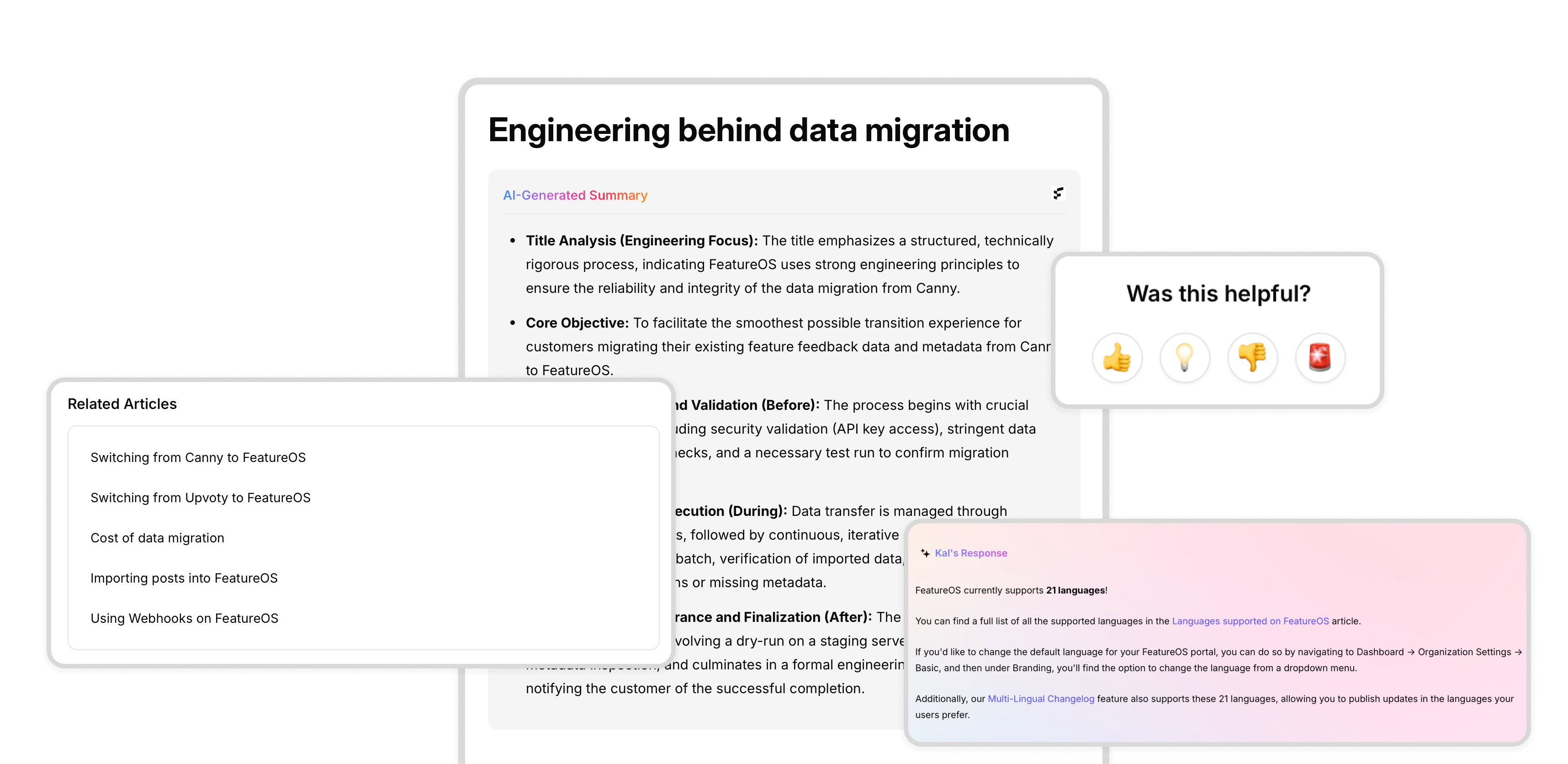
Customers type a question, get a direct answer. Pulled from your docs, delivered in any language, in seconds.
- Synthesized answers from multiple articles
- Fast, accurate, and citation-backed
- Handles complex multi-step questions
- Works in widgets and embeds too

Help center, everywhere
In-app widgets, embeds, and live chat integrations. Your knowledge base goes where your customers are. Set up in under 5 minutes.
- Drop-in widgets for web and in-app help
- Native integrations with chat and support tools
- Context-aware AI answers, everywhere
- No-code or API-based setup
Notion-like editor
Drag-and-drop blocks for structured docs, guides, and knowledge bases. Rich text, code snippets, and interactive elements. No code.
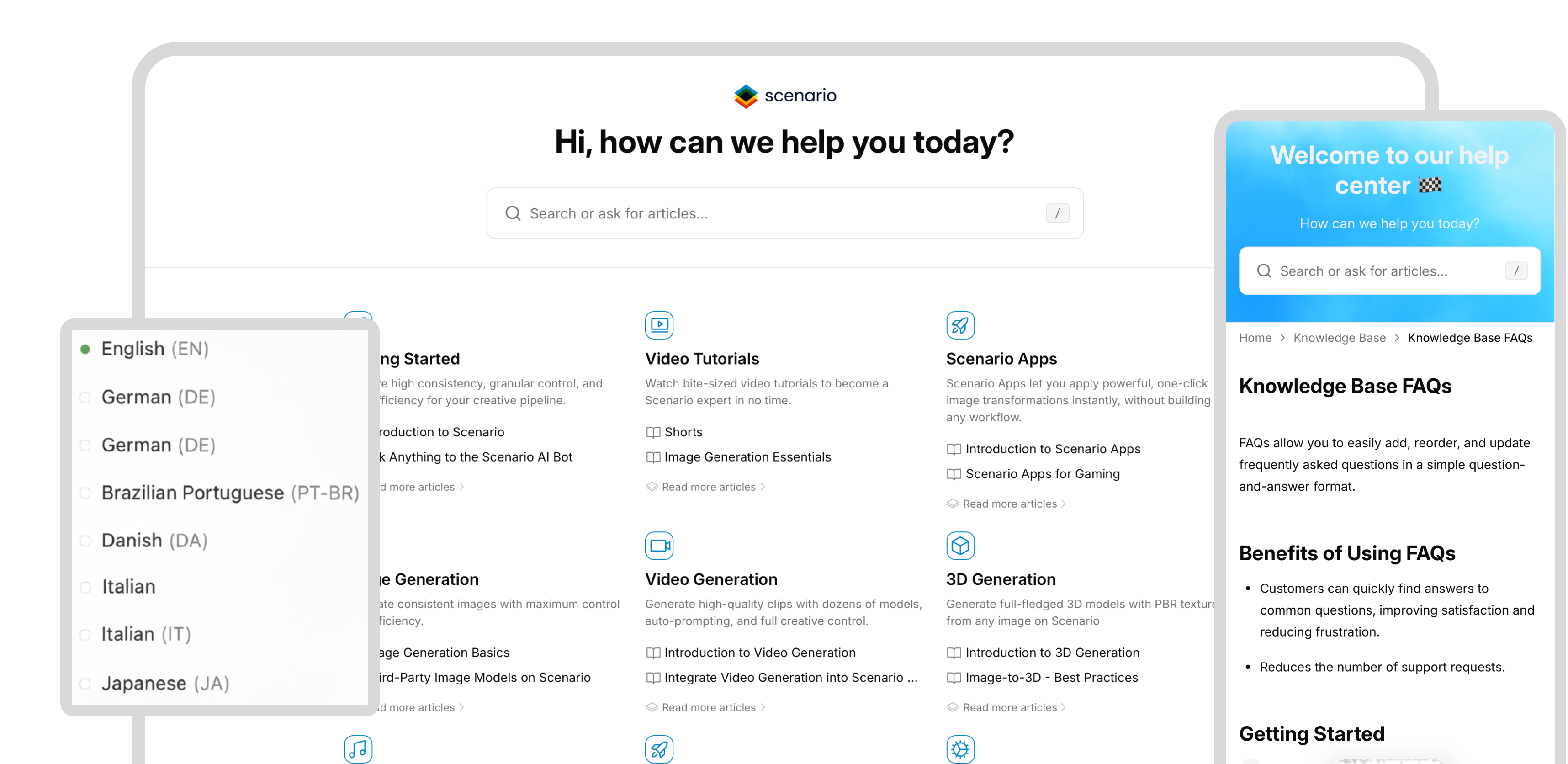
21+ languages
Write in one language, serve in many. Multi-language support for both content and AI responses.
Rich media embeds
Audio, video, and images inline. Tutorials, walkthroughs, and product explainers that show, not just tell.
Developer API
Automate documentation workflows, sync content, and integrate with your stack. Built for engineering teams.
Access permissions
Control who views, edits, or publishes. Scoped by team, role, and organization.
Document templates
Reusable templates for FAQs, onboarding guides, and SOPs. Consistent docs, faster creation.
Every feature built to help your customers find answers faster.
Assign to writers
Assign articles to team members. Track ownership, keep docs accurate.
Comments and reactions
Collaborate on articles with inline comments. Reviews and updates, faster.
Article subscriptions
Users subscribe to articles and get notified when content updates.
Private knowledge base
Controlled access for internal teams, customers, or specific user groups.
Custom styling
Match your brand with flexible styling and layout options.
Auto language detection
Detect user language automatically. Serve the right content without manual switching.
Embed single articles
Drop individual articles into your product, site, or help center for contextual support.
FAQ for articles
Add FAQs to articles for quick answers and better discoverability.
Internal docs, public help centers, API references. One tool for all of it.
Internal documentation
A private knowledge base for your team, new hires, and partners. Granular permissions control who sees what.
API documentation
Code blocks, tabs, terminal templates. Everything developers need, built in.
SOPs and processes
Standard Operating Procedures and Ways of Working docs with granular access controls.
Product user manual
Step-by-step guides, tutorials, and resources. Help your customers succeed.
Public help center
Knowledge articles, FAQs, and AI-powered search. Customers find answers on their own.
Explore other modules
Frequently Asked Questions
Quick answers about the knowledge base.
Last updated February 2, 2026
Yes, you can import your existing knowledge base into FeatureOS. You can use the import feature to import your existing knowledge base. Just reach out to us at support@featureos.app and we will help you with the import.
Yes, the knowledge base editor is powered by Kal, our custom AI engine that learns from your content and usage. You can get assistance from Kal while writing your content on Knowledge Base.
Yes, the knowledge base editor supports Markdown, making it easier to write and format your content. There area other keyboards shortcuts available to make your content creation process faster.
Yes. Knowledge Base integrates deeply with other FeatureOS modules like feedback boards, roadmaps, and changelogs. You can quickly reference your knowledge base articles in other modules.
There are multiple way to add FeatureOS Knowledge Base to your website.
1. Link to Knowledge Base: You can add a link to your knowledge base on your website. You can also map a custom domain to your knowledge base to keep your branding consistent.
2. Embed Knowledge Base: You can embed your knowledge base on your website. This is useful if you want to give your customers access to your knowledge base on your website.
3. Use API: You can use our API to integrate your knowledge base with your website. This is useful if you want to give your customers access to your knowledge base on your website.
4. Use Knowledge Base Widget: You can embed a pop-up widget on your website or in your product to give your customers access to your knowledge base quickly.
Yes, you can have multiple languages to your articles on your knowledge base. You can also ask FeatureOS AI to translate your articles to multiple languages.
Not yet. But we are working on it.
Yes, FeatureOS Knowledge Base comes with a lot of useful analytics to help you understand how your customers are using your knowledge base. Right from your FeatureOS Admin Dashboard, you can see the number of views, top articles, and more.
Yes, FeatureOS Knowledge Base supports SSO. You can use your existing SSO credentials to log in to your knowledge base.
Yes, you can enable Private Knowledge Base option from your FeatureOS Admin Dashboard. This will make your FeatureOS Knowledge Base only accessible to your team.
Yes, you can add videos to your FeatureOS Knowledge Base articles. You can use the video embed feature to add videos to your articles.
Yes, you can add files to your FeatureOS Knowledge Base articles. You can use the file upload feature to add files to your articles.
Can't find what you're looking for? Contact us at support@featureos.app