
Best Free Knowledge Base Tools for Startups and Small Teams
Compare the best free knowledge base tools for startups. See which ones offer search, SEO, multilingual support, and custom domains at no cost.

When you're shipping features weekly and onboarding users from different countries, people expect to find answers on their own. They don't want to email support and wait. They want a search box, a help article, and a solution - fast.
That's why picking the right knowledge base tool early matters. You need something that handles searchable help articles, SEO-friendly documentation, and multilingual content without adding cost or complexity. But most knowledge base tools are expensive, and the free tiers are often so stripped down they're barely usable.
The good news: there are a handful of free options that actually work for startups. Each one has different strengths, so the right choice depends on what your product needs right now.
This guide compares FeatureOS, Featurebase, Mintlify, Nuclino, and Notion on the things that matter most: article limits, SEO capabilities, custom domains, multilingual support, widgets, privacy controls, and how well they integrate with the rest of your product stack.
1. FeatureOS
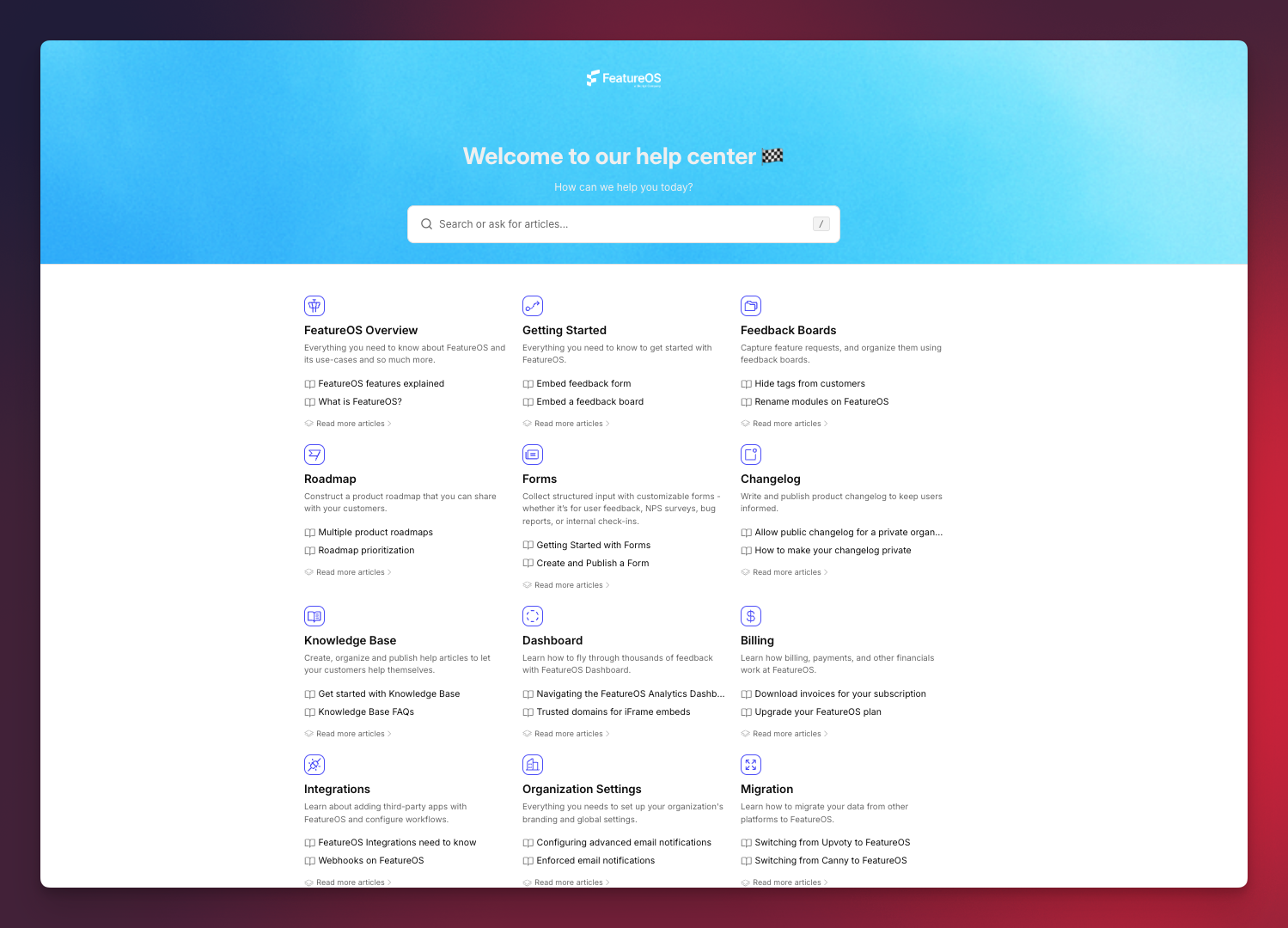
FeatureOS offers the most complete knowledge base in this category. Where other tools limit articles, block SEO settings, or gate custom domains, FeatureOS gives you a real help center that's ready for users from day one. Plans start at $60/month with a 30-day free trial to test everything.
What's included (accessible during the 30-day free trial and on all paid plans):
- 60+ knowledge base articles - Enough for onboarding docs, FAQs, and feature documentation
- SEO controls - Meta titles, descriptions, and indexing settings for discoverability
- Custom domain - Your help center lives under your own URL
- Embeddable widgets - Show KB articles inside your app for contextual support
- Article reactions - Understand where users struggle or find value
- Multilingual articles - Serve global audiences with localized docs
- Visitor authentication and privacy - Restrict sensitive or internal articles
- Internal and public KB options - Manage both from one place
Why it's the strongest option: FeatureOS is the only knowledge base at this price point that includes SEO, custom domain, multilingual support, reactions, privacy controls, and widgets all together. It also connects directly to feedback boards, roadmaps, changelog, and forms - so your help center isn't an isolated silo, it's part of your full product workflow. The 30-day free trial lets you test everything before committing.
Best for: SaaS startups building real documentation early. Teams that want their help center, feedback, roadmap, and changelog in one system.
Related: Writing Exceptional Knowledge Base Articles: Ultimate Guide
2. Featurebase
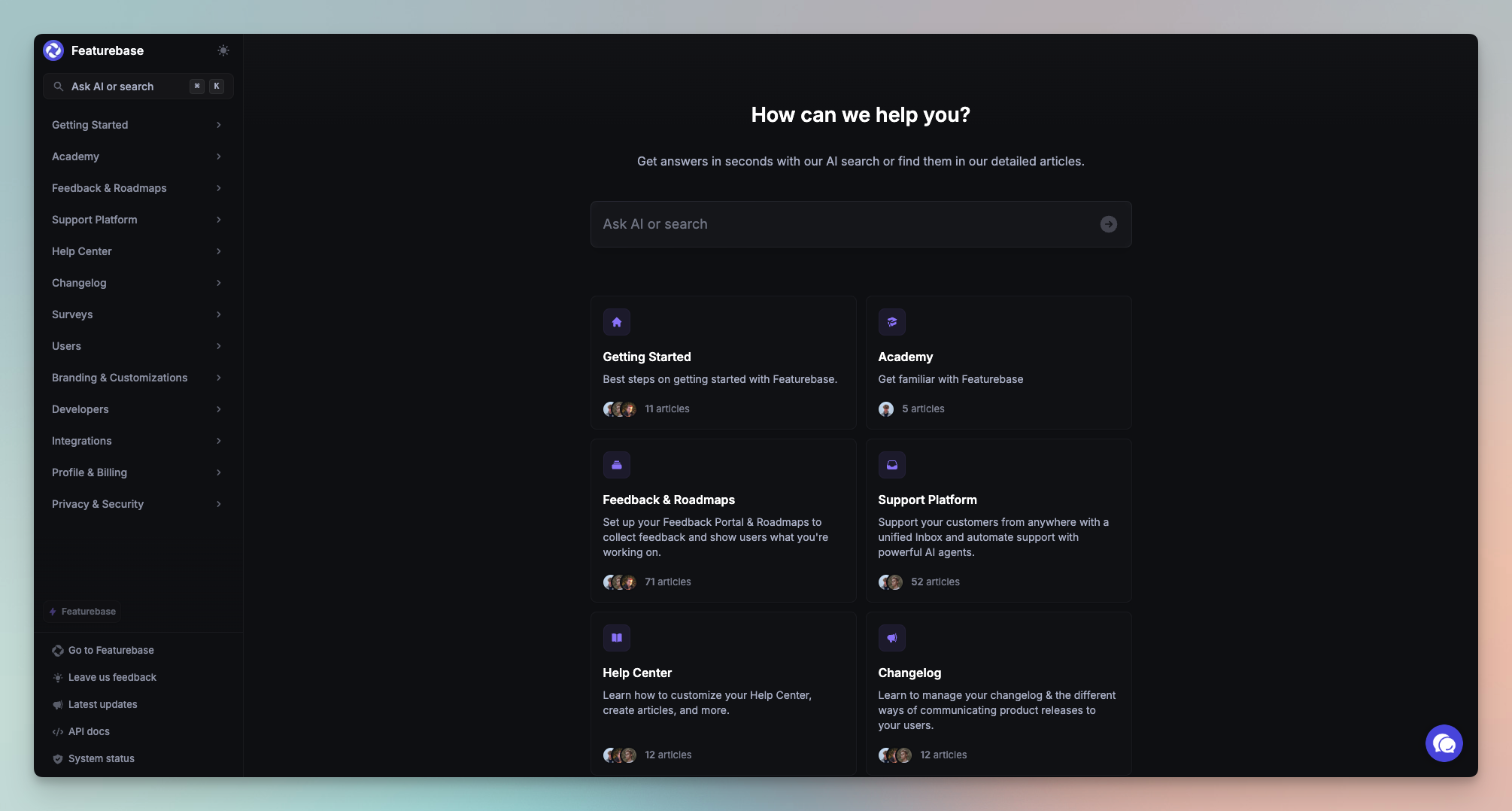
Featurebase's free KB is minimal. It works for a basic FAQ or a handful of help articles, but it's missing most of what you'd expect from a modern help center.
What's included free:
- 50 articles - Enough for a small FAQ
- Public KB page - Simple, no frills
- Basic editor - Publish quickly without complex formatting
- Unlimited visitors - No access caps
- Simple article grouping - Basic categories
What's missing: No SEO controls, no custom domain, no multilingual support, no article reactions, no privacy settings, no in-app widgets, no version history, no integrated search. These gaps mean it works for a static FAQ page but not for a proper help center.
Best for: Very early-stage products, hobby projects, or teams that just need a place to put a handful of answers.
Related: Compare and get a full breakdown of FeatureOS vs Featurebase
3. Mintlify
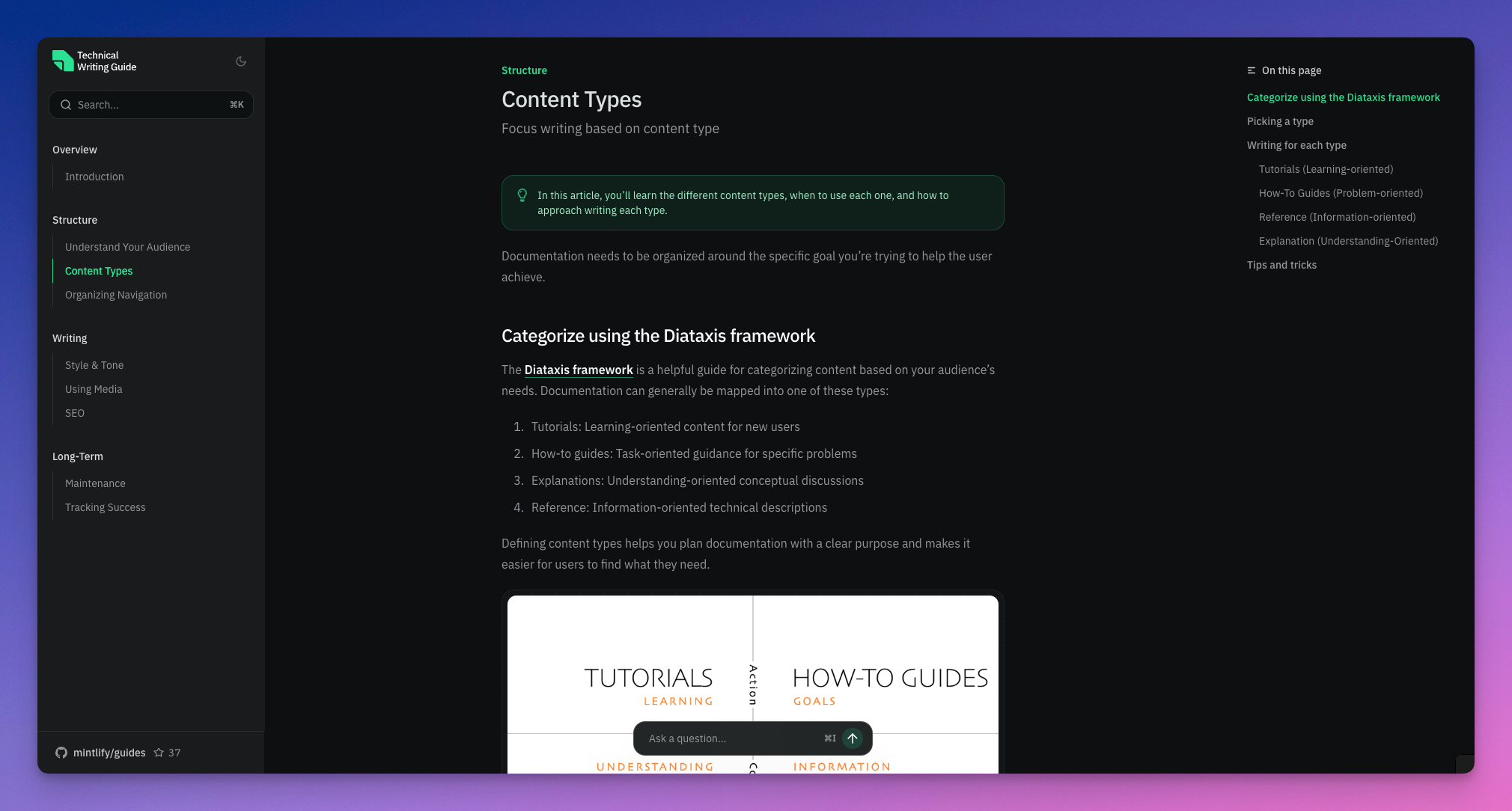
Mintlify is the go-to if you're building developer-facing documentation. The free Hobby plan is genuinely powerful - beautiful editor, custom domain, SEO-friendly pages, and even LLM-optimized content structure. For API docs, SDK guides, and technical onboarding, it's hard to beat.
But Mintlify is built for developer docs, not customer support help centers. It doesn't have article privacy per entry, in-app widgets, reactions, multilingual management, or integration with feedback and roadmap tools.
What's included free:
- Full documentation platform on the Hobby plan
- Custom domain - Rare for free plans
- Beautiful web editor with components for developer docs
- SEO-optimized pages - Built for search visibility
- LLM-optimized content - Structured for AI search tools
- Insights dashboard - Track what users read
- Git sync + API playground - Great for engineering products
- Password protection for restricted docs
- No Mintlify branding - Even on free
What's missing: No in-app widget, no article reactions, no per-article privacy, no multilingual KB, no search analytics, no structured help center hierarchy, no integration with roadmaps or changelog.
Best for: Developer-first startups, API products, engineering tools. If you need customer support docs (not developer docs), look elsewhere.
Related: Compare and get a full breakdown of FeatureOS vs Mintlify
4. Nuclino
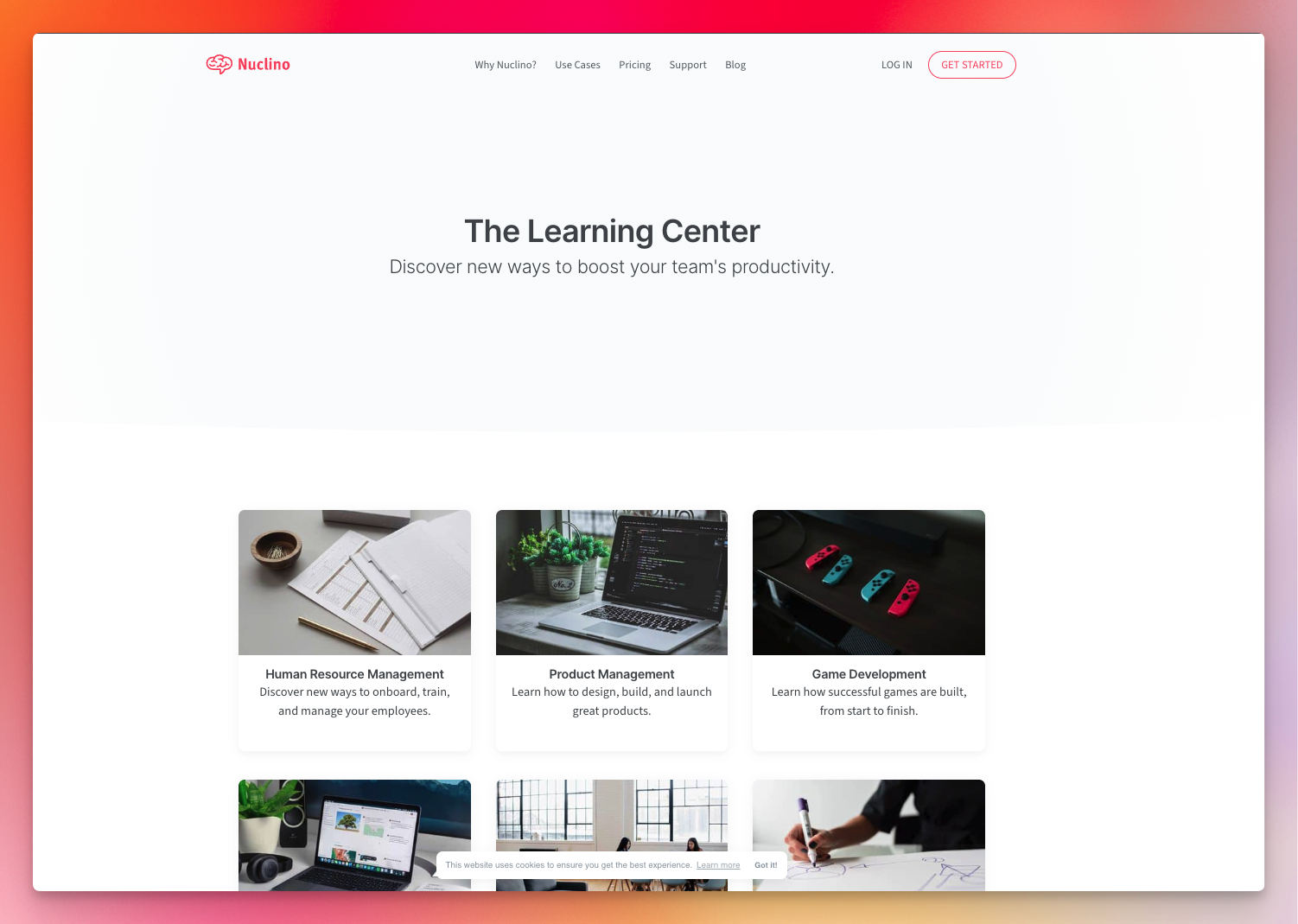
Nuclino is a clean, collaborative workspace for internal documentation and team knowledge sharing. Think of it as a tidier alternative to Google Docs for internal wikis. The editor is nice, real-time collaboration works well, and it runs on web, desktop, and mobile.
But it's not built to be a public help center. The free plan caps you at 50 items, and there's no SEO, no custom domain, no public-facing experience, no widgets, and no multilingual support.
What's included free:
- 50 items (pages) - Enough for internal notes, not a full KB
- 3 canvases for organizing knowledge
- Real-time collaboration - Multiple editors at once
- Multi-platform apps - Web, desktop, mobile
- Clean, distraction-free editor
What's missing: No custom domain, no SEO, no public help center, no article reactions, no multilingual docs, no widgets, no version history on free, no analytics. The 50-item cap limits scalability.
Best for: Internal team documentation, lightweight wikis, small teams documenting processes and onboarding notes. Not meant for customer-facing docs.
5. Notion
Notion is flexible, free, and familiar. Unlimited pages, a powerful block-based editor, one-click public publishing, and apps on every platform. Lots of startups use it for early documentation because it's fast to set up and there's zero learning curve.
The trade-off is that Notion isn't built to be a help center. No SEO controls, no structured KB hierarchy, no article reactions, no multilingual system, no in-app widgets, and no analytics. Your public pages live on a Notion-branded URL (custom domains require a paid plan).
What's included free:
- Unlimited pages - No article caps
- One-click public publishing - Instant public docs
- Rich block editor - Images, tables, embeds, callouts, videos
- Page-level permissions - Mix public and private
- Built-in search - Basic but functional
- Integrations via Notion API
- Mobile and desktop apps
What's missing: No custom domain (free plan), no SEO controls, no structured KB hierarchy, no article reactions, no multilingual content, no in-app widgets, no version history (free), no analytics, no integration with product tools.
Best for: MVPs, early projects, internal wikis, simple guides. Teams that need something quick and don't need a polished, customer-facing help center.
Comparison Table
| Capability / Feature | FeatureOS | Featurebase | Mintlify | Nuclino | Notion |
|---|---|---|---|---|---|
| Article Limit | 60 articles | 50 articles | Unlimited | 50 items total | Unlimited |
| Custom Domain | Included | Not included | Included | Not included | Paid only |
| SEO Controls | Full SEO metadata & indexing | None | SEO-friendly structure | None | None |
| Multilingual Support | Yes | No | No | No | No |
| Article Privacy / Authentication | Yes | No | Partial | Workspace only | Basic page permissions |
| In-App Widget | Included | Not included | Not included | Not included | Not included |
| Article Reactions / Feedback | Yes | No | No | No | No |
| Version History | Yes | No | No | Limited | Paid only |
| Internal + Public KB | Both supported | Public only | Public only | Mostly internal | Public pages but not structured KB |
| Documentation Components | Full structured components | Basic text | Best-in-class components (dev-focused) | Basic | Flexible blocks |
| Product Ops Integration | Feedback, roadmap, changelog, forms | Minimal | None | None | None |
| Ideal Use Case | Full help center for SaaS | Simple FAQ | Developer docs | Internal wiki | General docs / early-stage KB |
How to Choose
- Choose FeatureOS if you want a complete help center with SEO, custom domain, multilingual articles, privacy, reactions, widgets, and integration with feedback and changelog. The most well-rounded option for SaaS teams, with a 30-day free trial and plans starting at $60/month.
- Choose Featurebase if you only need a basic public FAQ with minimal structure.
- Choose Mintlify if you're building developer docs with API references, code examples, and Git sync.
- Choose Nuclino if you need a lightweight internal wiki for your team, not a public help center.
- Choose Notion if you want flexible, unlimited pages for early docs and don't need SEO, structure, or in-app support features.
FAQ
1. What is a knowledge base, and why do startups need one?
A knowledge base is a collection of help articles, product documentation, and support content that lets users find answers without contacting support. Startups use them to reduce ticket volume, improve onboarding, and provide a consistent source of truth. A well-built KB also helps with SEO and makes new users more likely to stick around. For more on reducing tickets, see tools to reduce support tickets with self-service docs.
2. What is the best free knowledge base for startups?
FeatureOS, because it includes SEO controls, custom domain, multilingual content, reactions, privacy settings, and widgets on all plans. No other tool in this category at this price point covers all of those. Plans start at $60/month with a 30-day free trial.
3. What's the difference between a documentation tool and a help center?
Documentation tools are flexible writing environments (like Notion or Nuclino). Help centers are structured, customer-facing support experiences with categories, search, SEO, and analytics (like FeatureOS or Mintlify). Both let you write content, but help centers are built to serve end users.
4. Which free KB tools support SEO?
Mintlify offers SEO features on its free plan. FeatureOS includes SEO features on all paid plans and during the 30-day free trial. Featurebase, Nuclino, and Notion do not offer SEO controls.
5. Do any free KB tools offer custom domains?
Mintlify supports custom domains on its free plan. FeatureOS includes custom domains on all paid plans (starting at $60/month) and during the 30-day free trial. Most others require a paid upgrade.
6. Which free KB tools support multilingual documentation?
FeatureOS is the only tool on this list with full multilingual article support on all paid plans and during the 30-day free trial.