
A CSM's Guide to Customer Feedback Management
How Customer Success Managers can centralize feedback from every touchpoint using FeatureOS. Streamline collaboration with product teams and turn feedback into action.
If you're a Customer Success Manager, you already know that feedback management sits at the core of your job. You're the bridge between your customers and your product team. When that bridge works, customers feel heard and the product gets better. When it doesn't, feedback disappears into a black hole and customers eventually leave.
The hard part? Feedback comes from everywhere. Emails, calls, Intercom chats, Slack messages, Zendesk tickets, random comments in meetings. Trying to keep track of all of it without a proper system is exhausting. That's exactly why FeatureOS exists - to give CSMs (and product teams) one place where all that feedback lives, gets organized, and actually gets acted on.
What is FeatureOS, and Why Should You Care?
Think of FeatureOS as your feedback command center. It pulls customer feedback from every channel - emails, calls, direct submissions, chat tools - into one organized hub. No more digging through your inbox for that feature request a customer mentioned three weeks ago. Everything's in one place, searchable, tagged, and trackable.
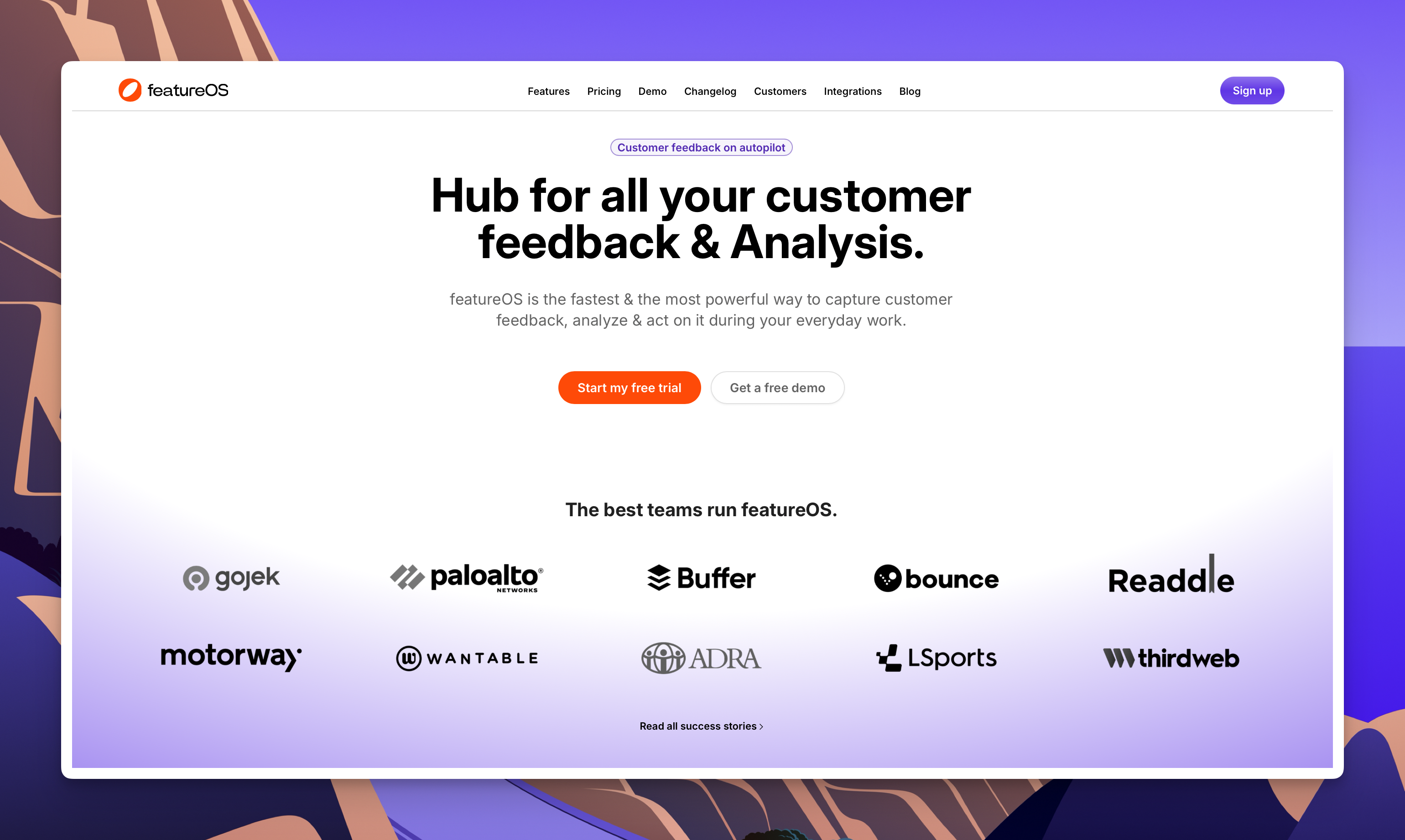
But collecting feedback is only half the story. FeatureOS also helps you close the loop - keeping customers informed about what's happening with their requests so they don't feel like they're shouting into the void.
Getting Started
Your org's admin will need to grant you access to FeatureOS. Once you're set up, you'll have access to everything you need to manage feedback properly.
Here's a breakdown of each user role and what they can do on FeatureOS.
Logging Feedback From Every Touchpoint
With FeatureOS, you're not just sitting around waiting for feedback to arrive. You're actively capturing it from wherever it shows up.
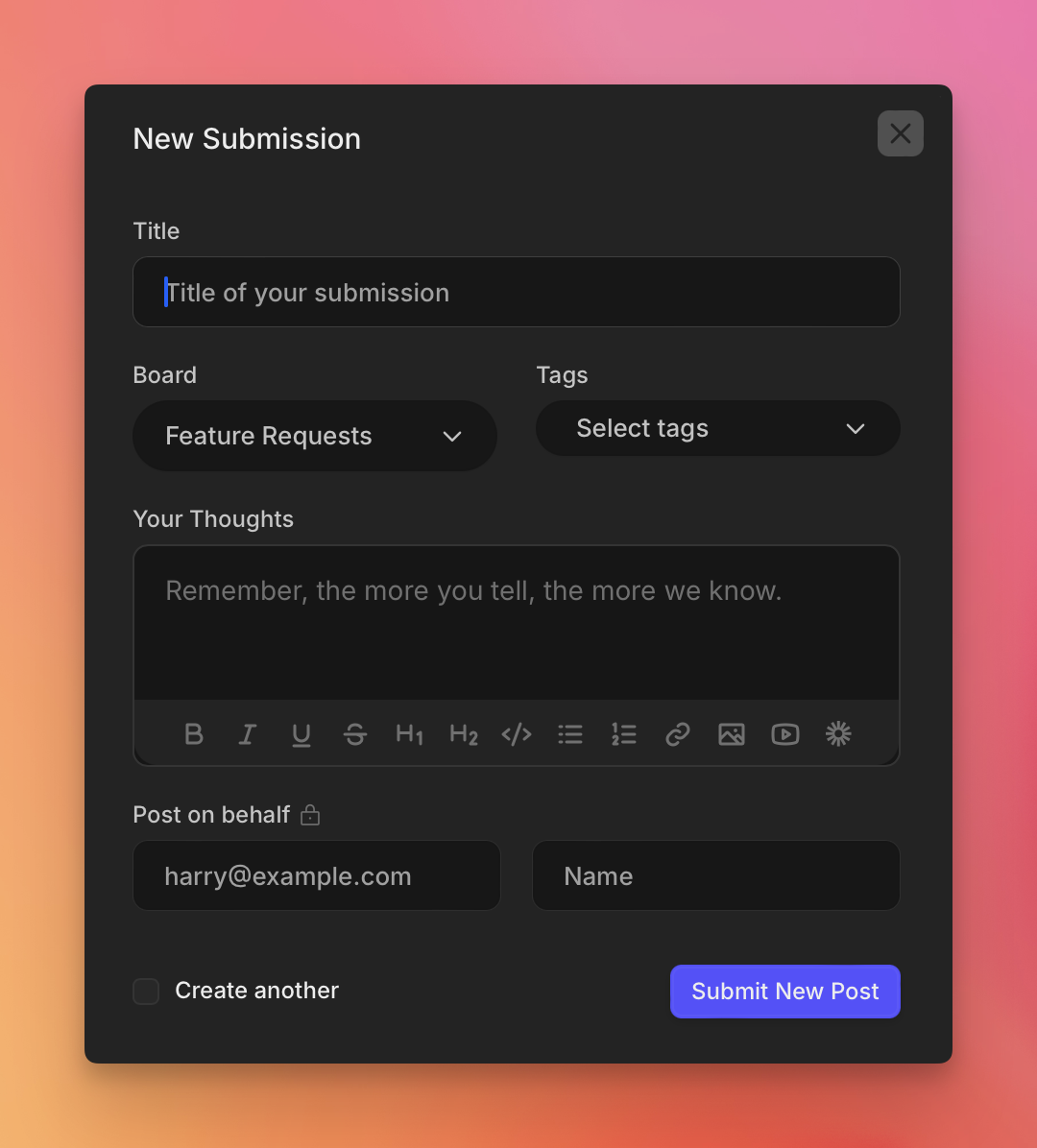
As a CSM, you can log feedback from Intercom chats, Zendesk tickets, phone calls, emails, or any other channel where customers talk to you. You can also encourage customers to submit suggestions directly on your feedback portal and upvote existing requests. This does two things: it captures more feedback than you'd get on your own, and it gives customers a feeling of ownership over what gets built.
Keeping Customers in the Loop
This is where most feedback processes fall apart. Customers submit feedback and never hear back. With FeatureOS, you can send updates directly to customers as their requests move through your pipeline. Even a short "This just moved to development" message builds a surprising amount of trust.
The Feedback Workflow, Step by Step
Here's what the typical feedback cycle looks like inside FeatureOS:
1. Feedback Comes In
- Customers submit posts directly, or you log their requests from whatever channel they came through.
- Admins can turn on Auto-Upvote so customers automatically upvote their own submissions.
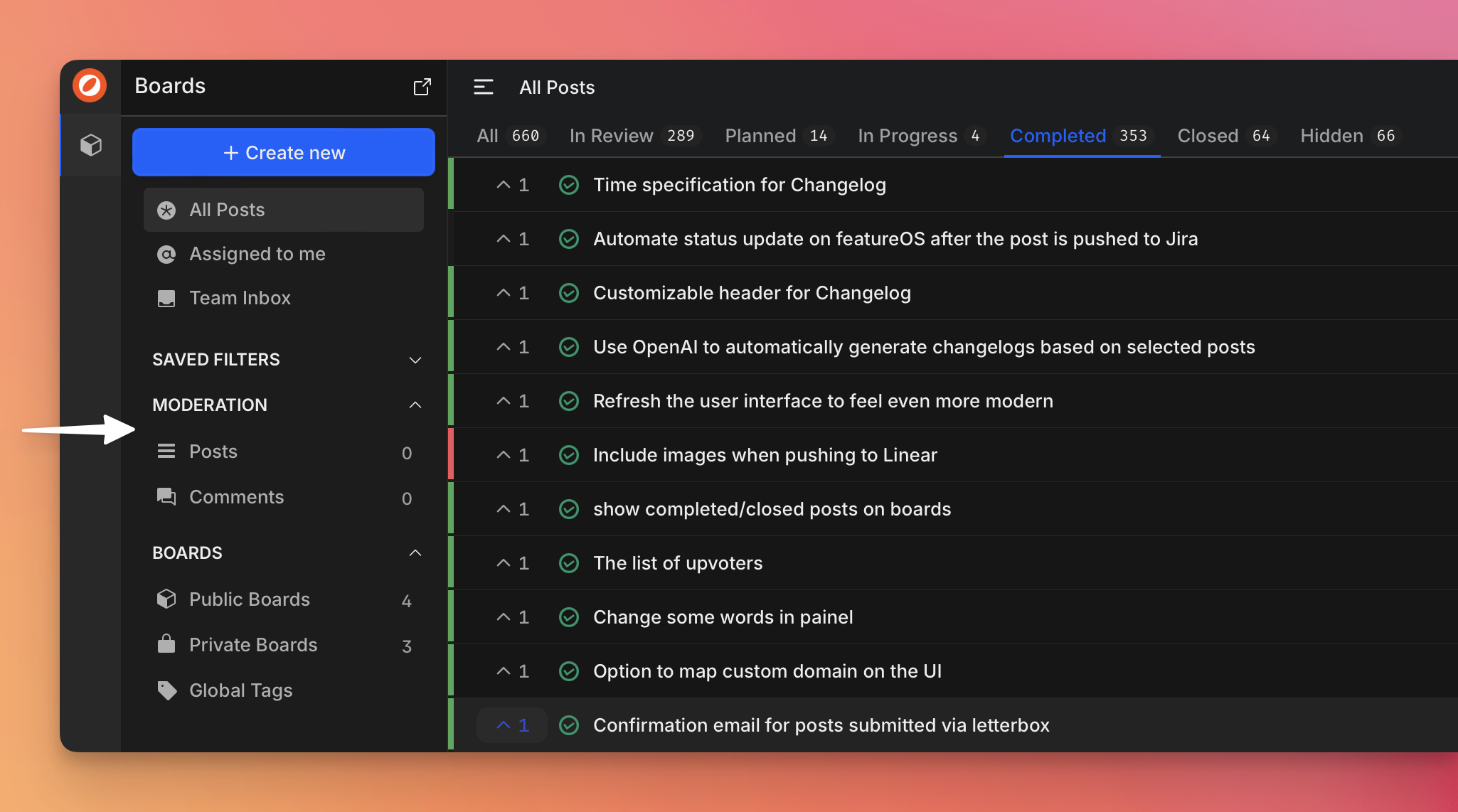
2. Moderation
- Submissions go through a moderation step where Admins and Managers review them before they go live. Keeps your board clean and focused on quality feedback.
3. Your Team Gets Notified
- Everyone on the team (admins, managers, other CSMs) gets automatic notifications when new posts come in, unless they've opted out.
4. Posts Get Assigned
- Admins or managers assign posts to the right CSM. You can also assign posts you create to yourself or hand them off to teammates.
5. Track What's On Your Plate
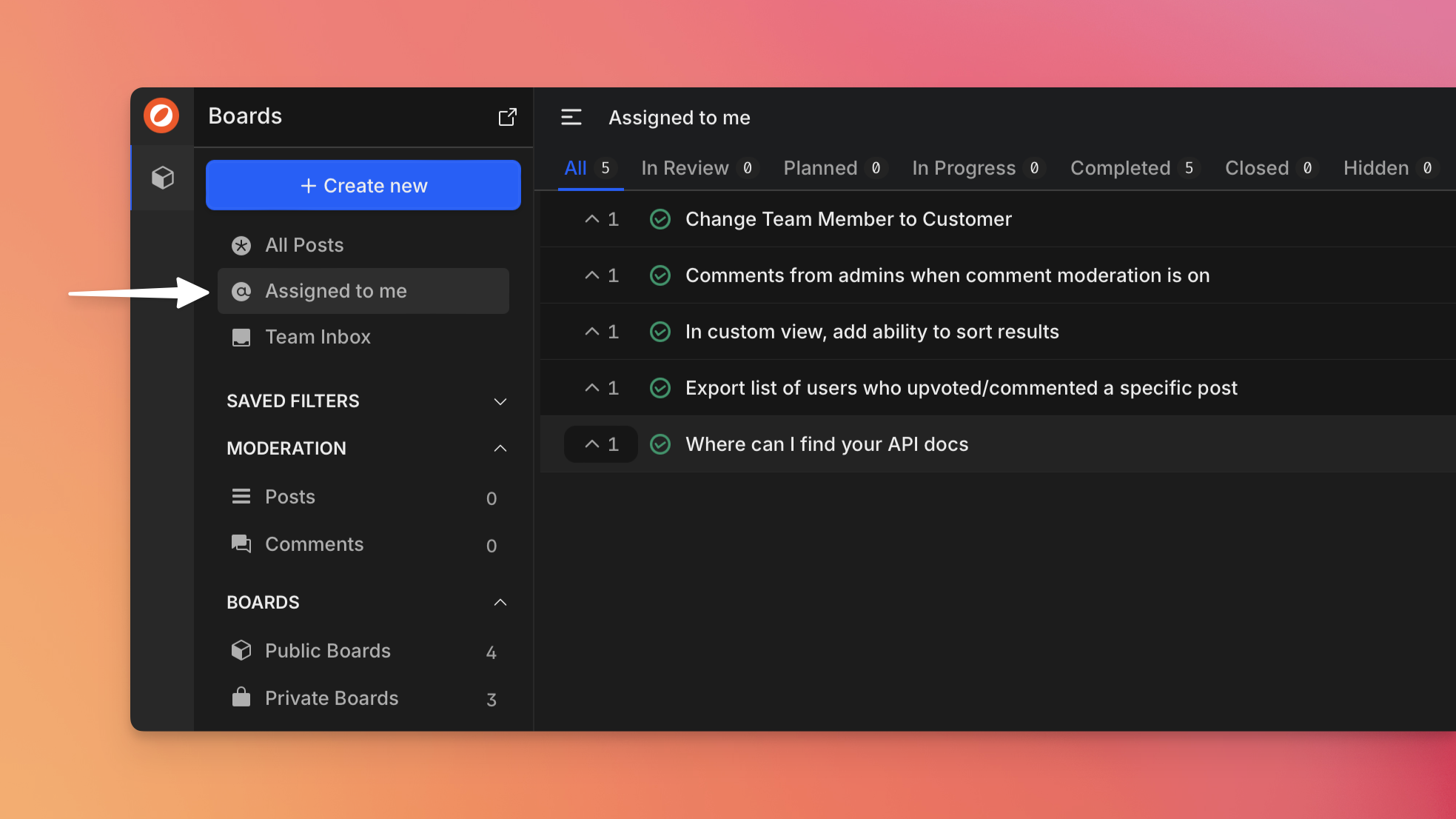
- The "Assigned to Me" section gives you a single view of everything you're responsible for.
- Saved filters let you narrow things down by email domain, submitter, or other criteria. Really useful when you want to check on a specific account quickly.
6. Manage Requests Actively
- Add public comments and @mention customers to keep them posted.
- Use internal comments to share context with your team without the customer seeing it.
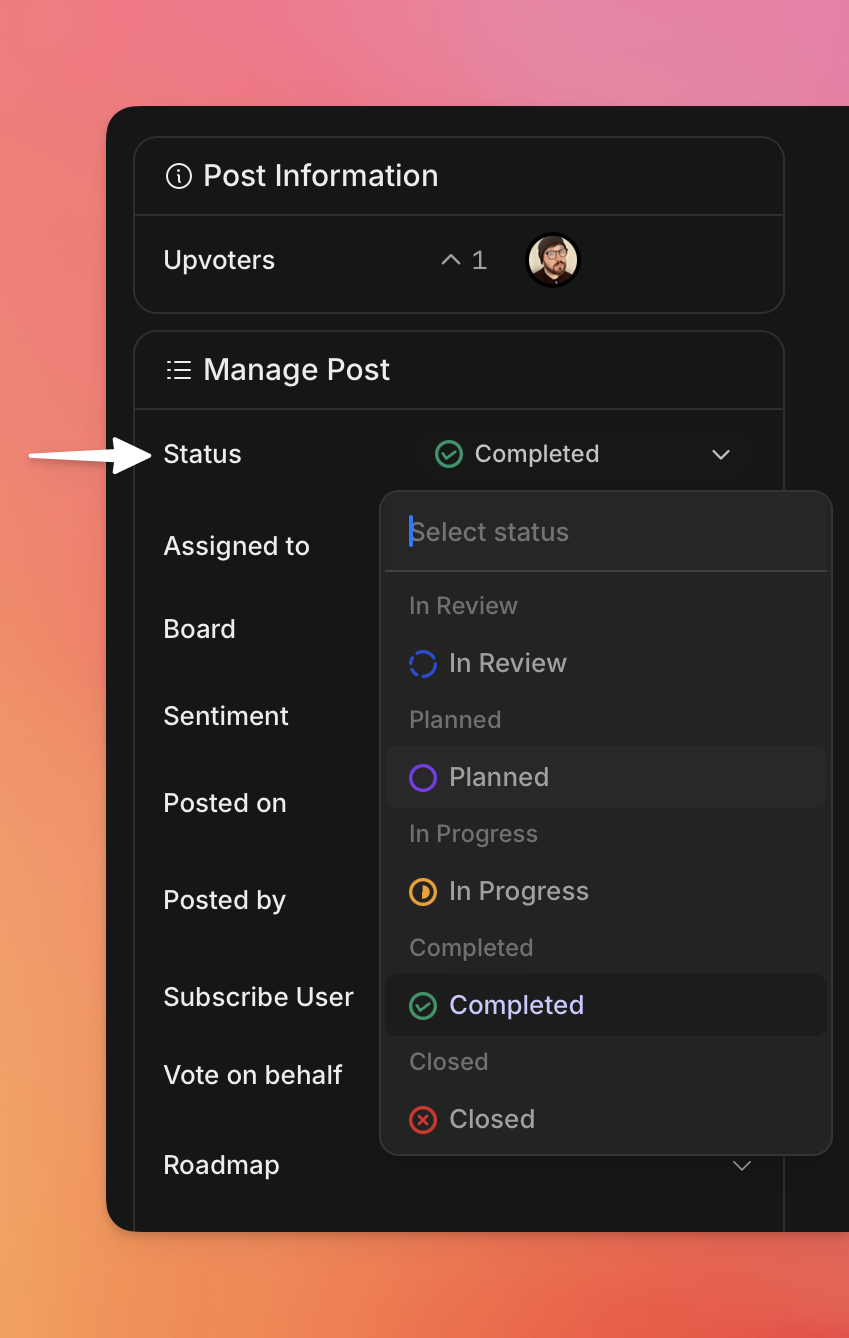
- Tag, update statuses, and @mention team members to make sure the urgent stuff gets attention first.
7. Canned Responses for Repeat Questions
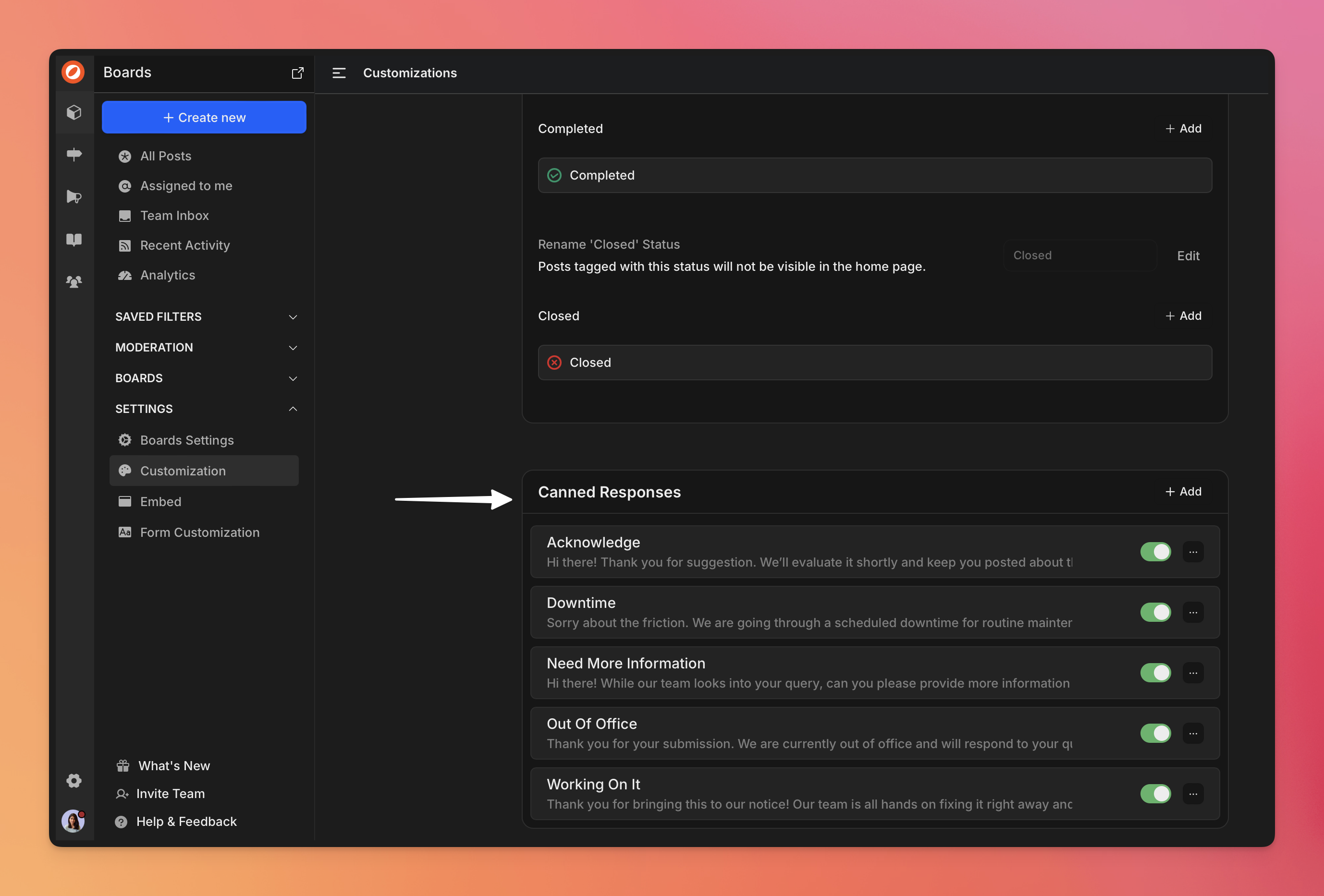
- Admins can set up canned response templates for the questions you find yourself asking over and over:
- What's the use case for this request?
- Which workflow does this come up in?
- How would you use this if we built it?
- What version of the app are you on?
- Saves you from typing the same follow-up questions dozens of times. [Available on Take Flight & higher plans].
8. Push Feedback Into Development
- Once feedback is collected and prioritized, FeatureOS connects to the tools your product and engineering teams already use: Linear, Jira, Asana, and ClickUp.
- These integrations let you push prioritized items straight into existing dev workflows, so feedback doesn't get stuck in a separate system nobody checks.
- Your team can align sprints and roadmaps with what customers are actually asking for.
9. Customers Get Notified Automatically
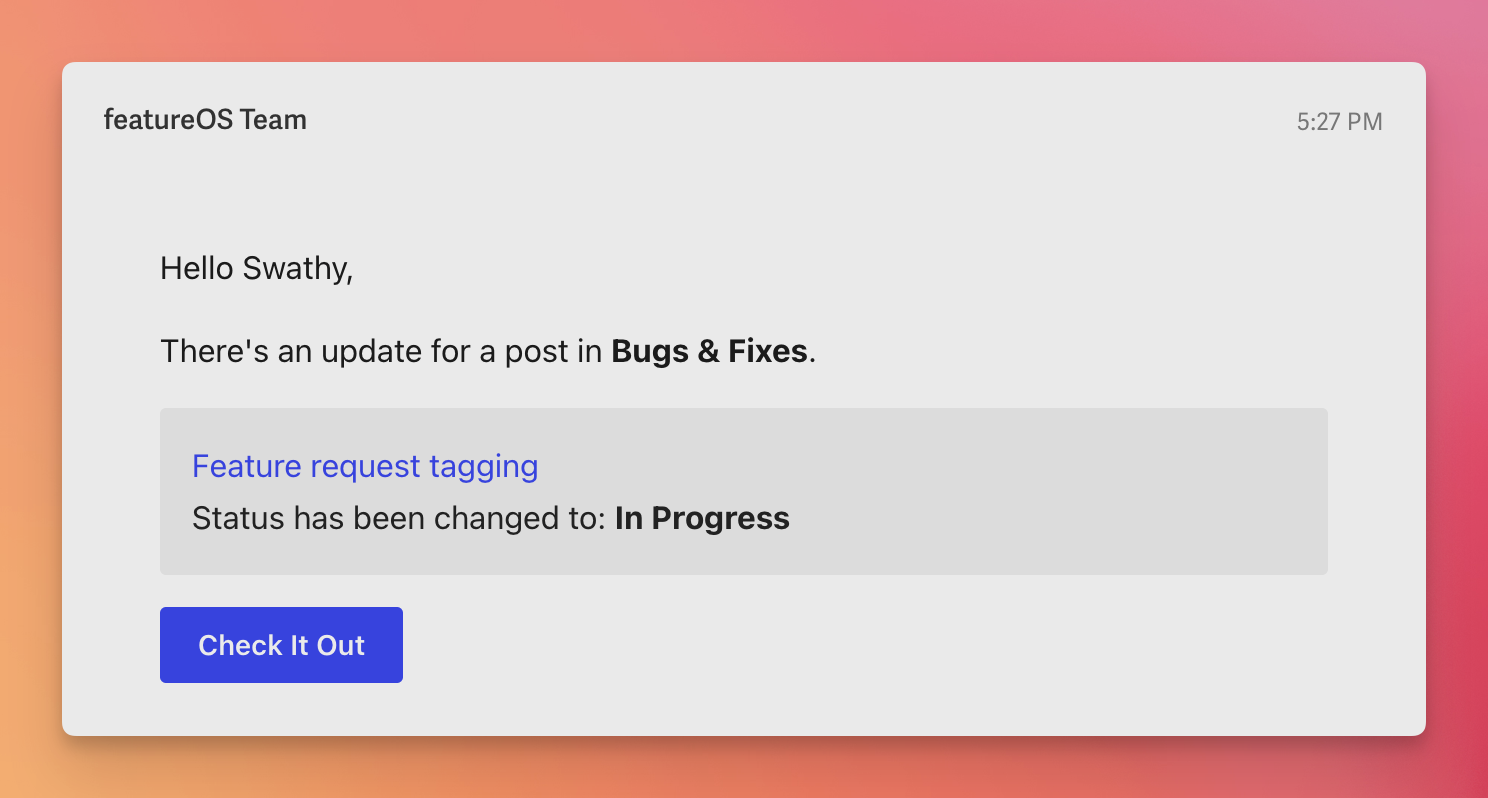
- When a feedback item's status changes (in progress, shipped, etc.), customers who submitted or upvoted it get an email. No manual follow-up needed on your end.
What This Adds Up To
Using FeatureOS means you stop losing feedback across scattered channels and start running a real system. Every customer voice gets captured, tracked, and responded to.
The result: better product decisions because you're building on actual customer input. Stronger relationships because customers see their feedback matters. And a lot less time spent hunting through inboxes trying to piece together what people asked for.
Ready to try it? Sign up for a free 14-day trial - no credit card needed.